
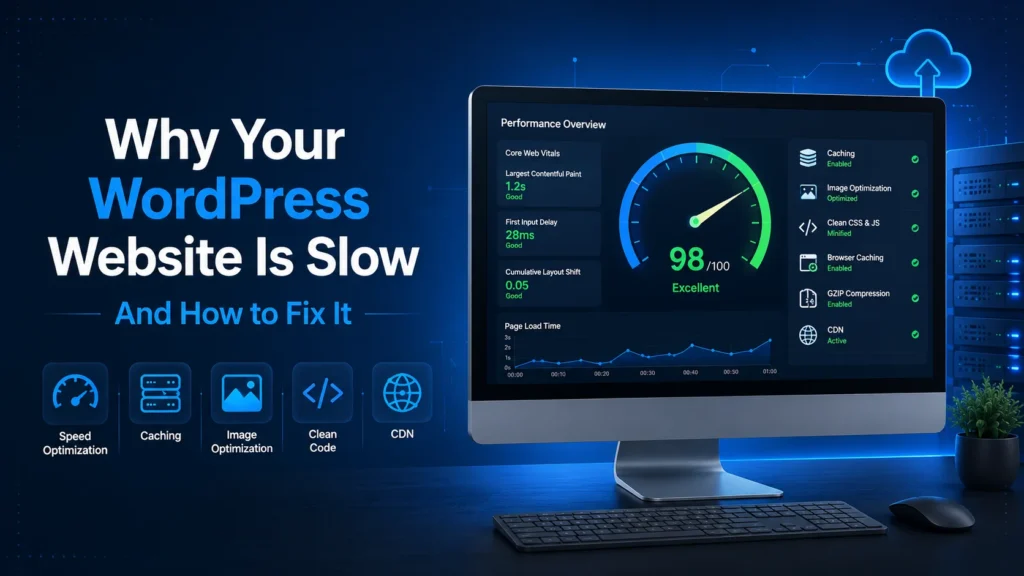
Why Website Speed Matters
A slow website can negatively impact your business in several ways. Visitors expect pages to load quickly, and even a delay of a few seconds can increase bounce rates and reduce conversions. Website speed also affects your search engine rankings, as Google considers page performance and Core Web Vitals when evaluating websites.
Fortunately, most WordPress performance issues can be identified and resolved with the right optimization techniques.
1. Choose Reliable Web Hosting
Your hosting provider plays a significant role in your website’s performance. Low-quality hosting often leads to slow response times, limited server resources, and frequent downtime.
Investing in reliable hosting provides faster loading times, improved uptime, and better security.
2. Use a Lightweight WordPress Theme
Not all WordPress themes are built the same. Some include unnecessary features, animations, and scripts that increase page size and slow down loading times.
Choose a well-coded, lightweight theme that focuses on performance and follows modern WordPress development standards.
3. Optimize Images Before Uploading
Large images are one of the most common causes of slow websites.
Before uploading images:
- Resize them to the required dimensions.
- Compress them without noticeable quality loss.
- Use modern formats such as WebP whenever possible.
4. Limit Unnecessary Plugins
Every plugin adds additional code that your website needs to load.
Remove plugins you no longer use and only install trusted plugins that are regularly maintained.
5. Enable Page Caching
Caching allows visitors to receive pre-generated versions of your pages instead of rebuilding them on every request.
This significantly reduces server load and improves page speed.
6. Minify CSS and JavaScript
Removing unnecessary spaces, comments, and unused code reduces file sizes and improves loading performance.
Many optimization plugins can safely handle CSS and JavaScript minification.
7. Keep WordPress Updated
Running outdated versions of WordPress, themes, or plugins may reduce performance and introduce security vulnerabilities.
Regular updates improve compatibility, stability, and speed.
8. Use a Content Delivery Network (CDN)
A CDN stores copies of your website on servers around the world.
Visitors automatically download your website from the server closest to their location, reducing loading times globally.
Cloudflare is one of the most popular CDN solutions for WordPress websites.
9. Optimize Your Database
Over time, WordPress databases accumulate unnecessary data such as post revisions, spam comments, expired transients, and orphaned metadata.
Regular database optimization keeps your website running efficiently.
🚀 Looking for Reliable Web Hosting?
I personally recommend Hostinger because I’ve used it for many client websites and WordPress projects. It offers an excellent balance of speed, security, reliability, and affordability, making it a great choice for small businesses, professionals, and growing websites.
- ✔ 20% OFF your purchase
- ✔ Free Domain (selected plans)
- ✔ Free Website Migration
- ✔ Weekly Backups
- ✔ Free SSL Certificate
- ✔ LiteSpeed Web Server
- ✔ 24/7 Customer Support
10. Monitor Website Performance
Website optimization isn’t a one-time task.
Regularly monitor:
- Core Web Vitals
- Page load speed
- Uptime
- Server response time
- Broken links
- PHP version compatibility
Monitoring helps identify issues before they affect your visitors or search rankings.
Final Thoughts
A fast WordPress website provides a better user experience, improves search engine visibility, and helps convert more visitors into customers. By following these performance optimization best practices, you can build a website that’s faster, more reliable, and easier to maintain over the long term.
If your website is running slowly or you’re unsure where to start, I can help identify performance bottlenecks and implement improvements that enhance speed, stability, and overall user experience.